> ## Documentation Index
> Fetch the complete documentation index at: https://docs.bookmarkjar.com/llms.txt
> Use this file to discover all available pages before exploring further.
# Search Bookmarks
> Learn how to search and filter your bookmarks quickly
## How it works
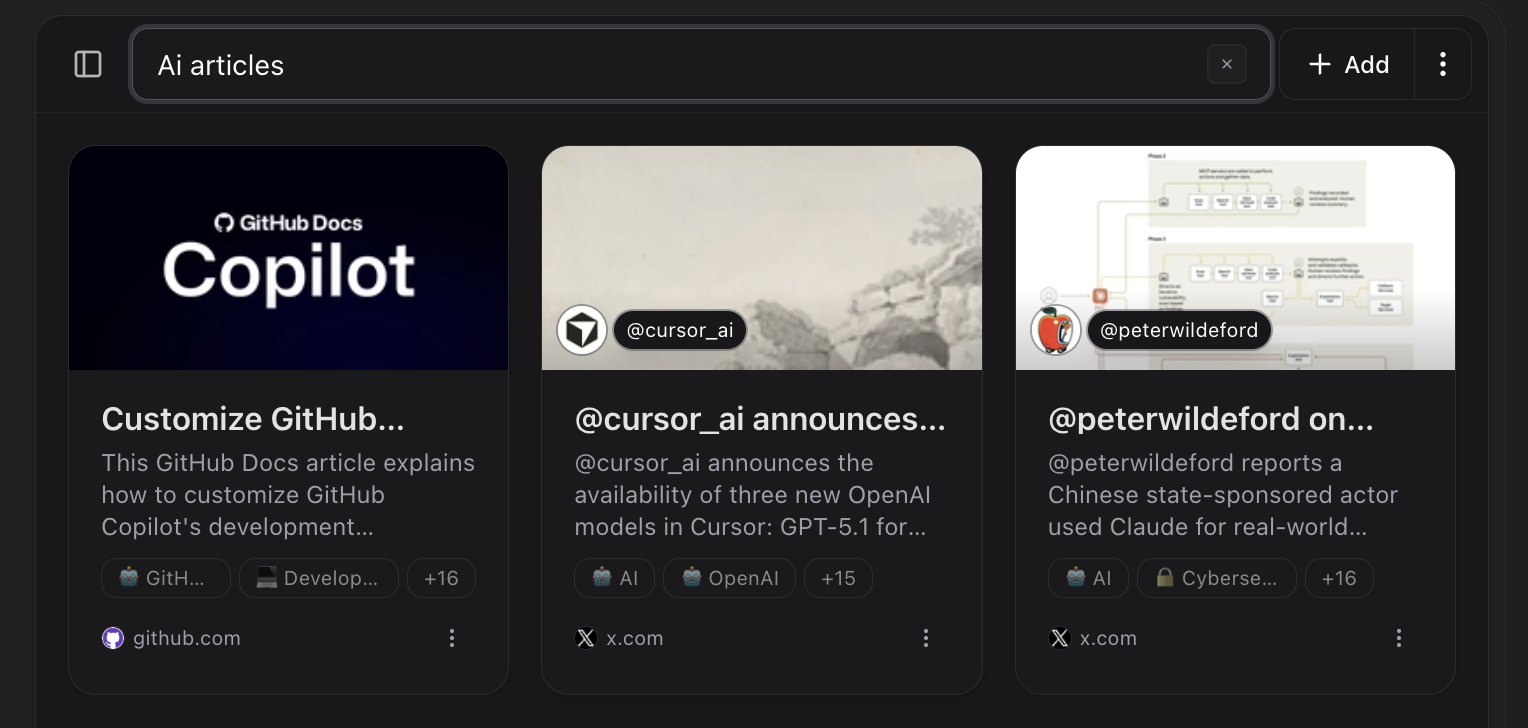
The whole idea of this project is to keep everything simple and search‑oriented.
Bookmarkjar ® uses advanced search techniques to find the best results for you using Semantic Search and Fuzzy Search with the help of a powerful engine called Meilisearch.
If you need deeper results, try the AI Chat or the MCP tools.
You may search anything you want by using the search bar or pressing ⌘ + K on your keyboard.
 ## Filtering
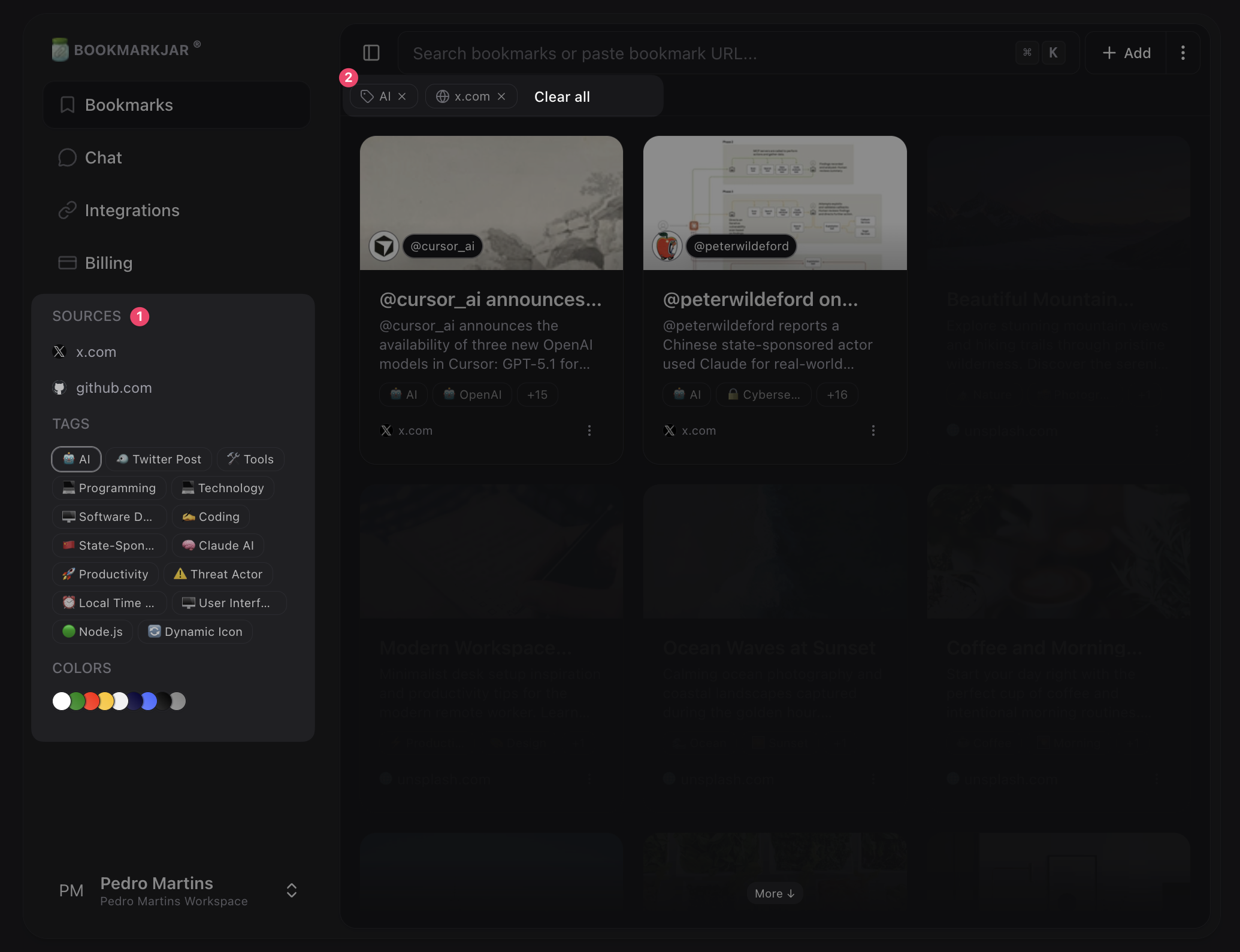
You can also apply filters via the sidebar: **colors**, **tags**, **domains**.
## Filtering
You can also apply filters via the sidebar: **colors**, **tags**, **domains**.