> ## Documentation Index
> Fetch the complete documentation index at: https://docs.bookmarkjar.com/llms.txt
> Use this file to discover all available pages before exploring further.
# Creating bookmarks
> Learn multiple ways to add bookmarks to Bookmarkjar ®
## Manual
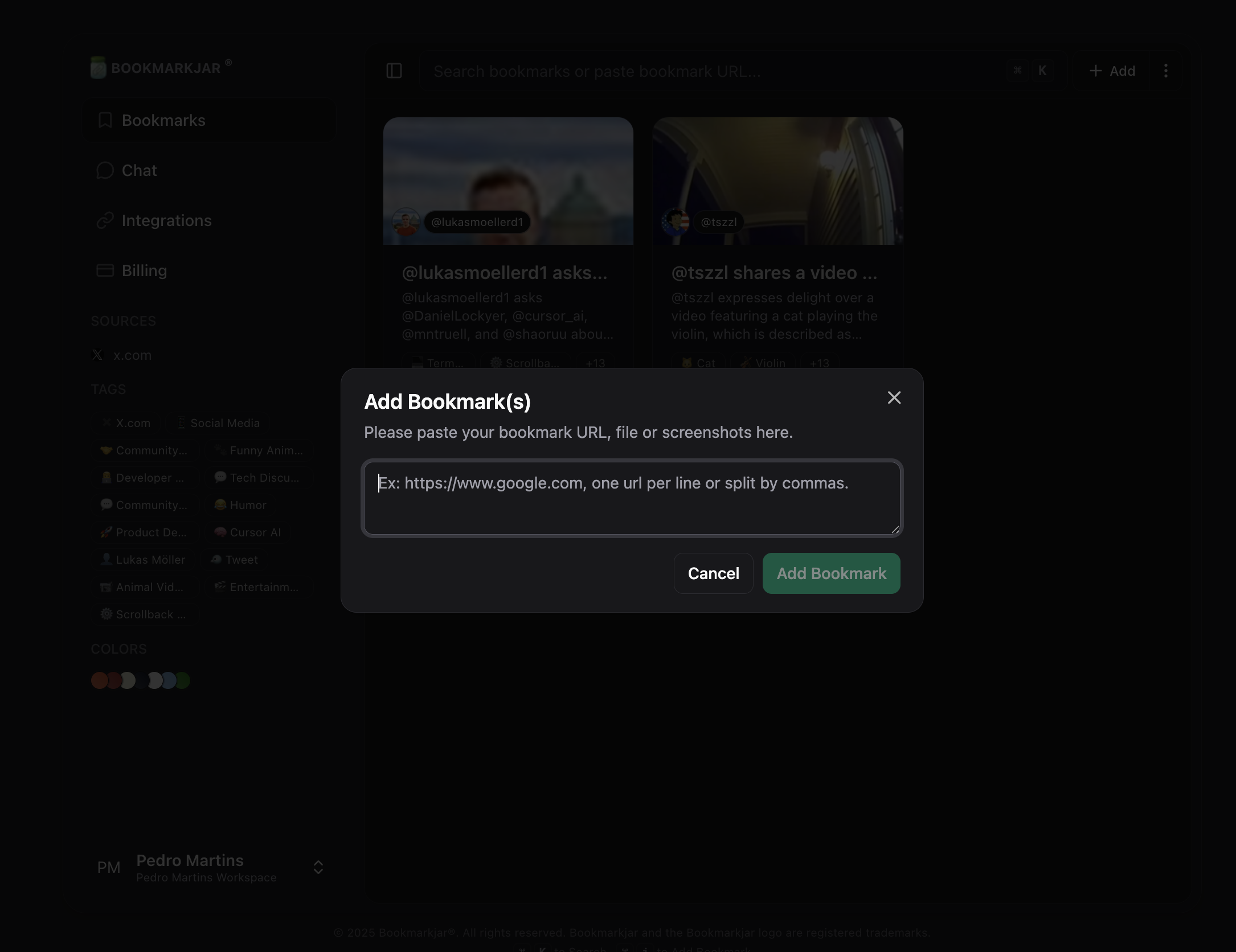
Add bookmarks by copying any link and pasting it with ⌘ + V or Ctrl + V.
Alternatively, you can use keyboard shortcuts to add bookmarks: ⌘ + I or Ctrl + I.
**Permissions** On mobile or desktop you may need to grant "Allow paste" permissions.
 ## Via Extension
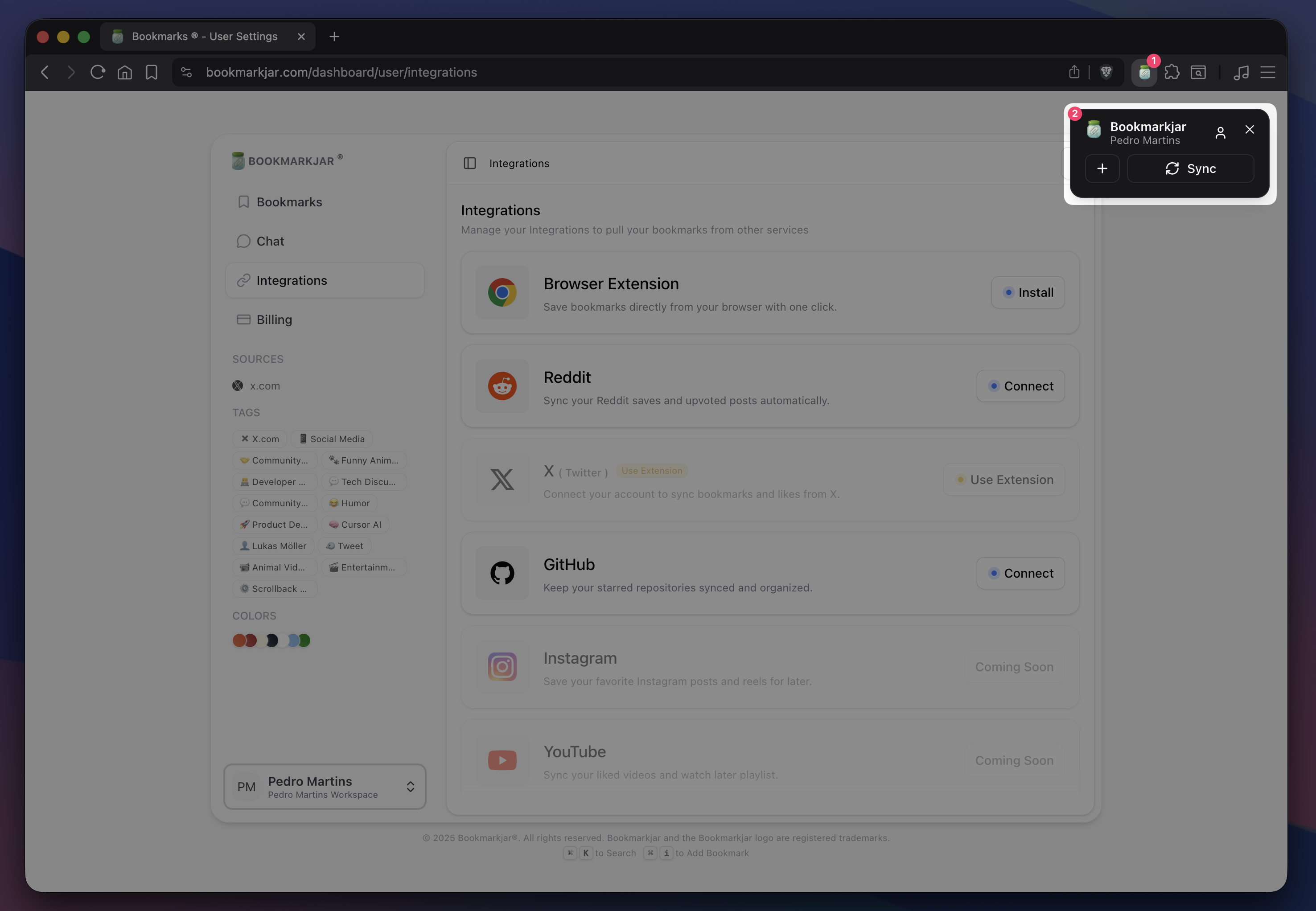
You can also add bookmarks via the browser extension. See the Browser Extension guide.
* Click the "+" icon to add the current page as a bookmark.
* Click the "Sync" icon to sync your current browser bookmarks (and X/Twitter bookmarks) to Bookmarkjar ®.
## Via Extension
You can also add bookmarks via the browser extension. See the Browser Extension guide.
* Click the "+" icon to add the current page as a bookmark.
* Click the "Sync" icon to sync your current browser bookmarks (and X/Twitter bookmarks) to Bookmarkjar ®.
 ## Via Integrations
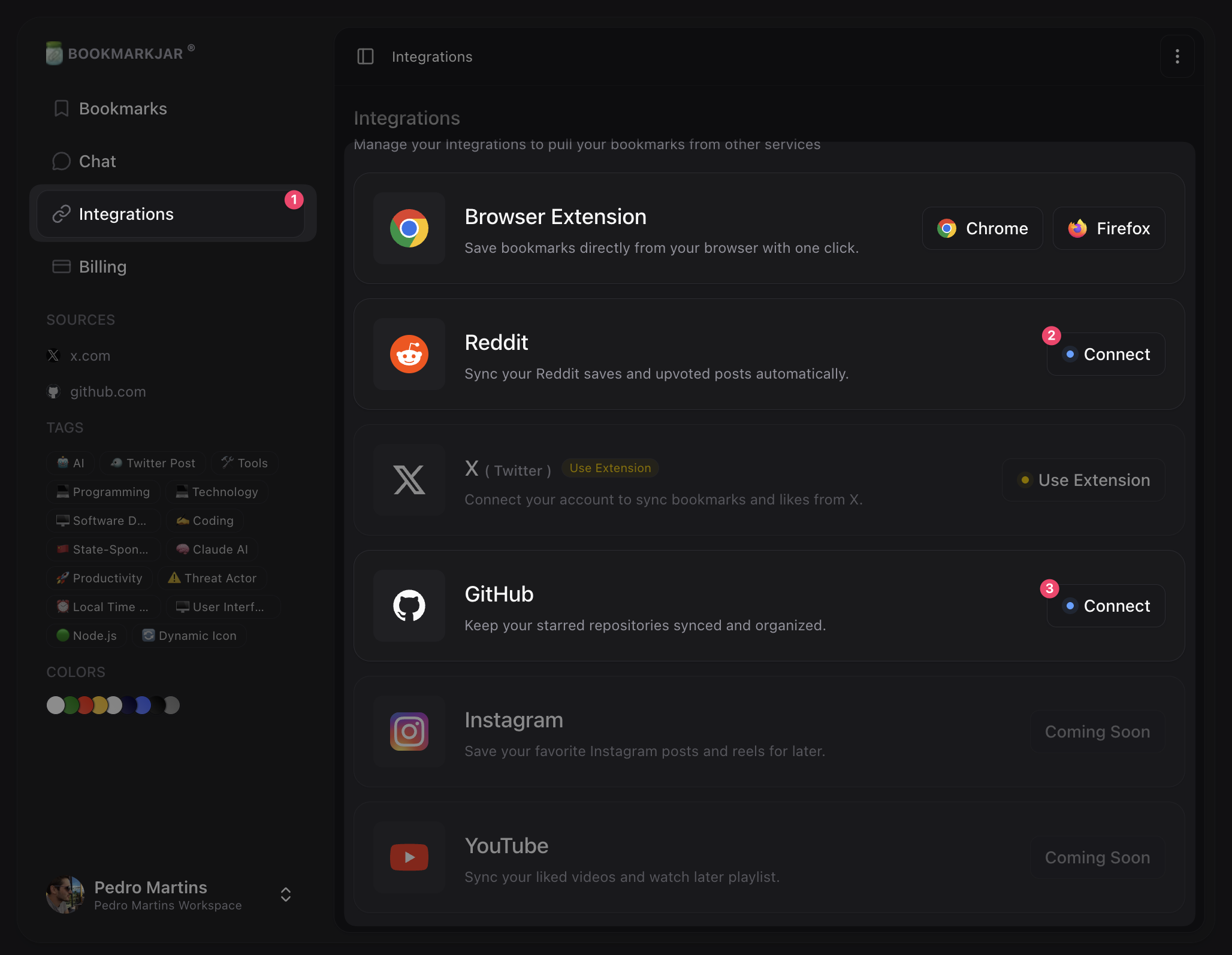
Integrations don’t need any manual action — they sync automatically on a schedule.
Configure your integrations in the Integrations guide or directly in the app at Dashboard → Integrations.
## Via Integrations
Integrations don’t need any manual action — they sync automatically on a schedule.
Configure your integrations in the Integrations guide or directly in the app at Dashboard → Integrations.